Fixing ROCm Boot Issues: amdgpu Module Blacklisted
A quick fix for when ROCm installation blacklists the amdgpu kernel module, preventing GPU detection on boot.
SmartTechLabs
SmartTechLabs - Intelligent Solutions for IoT, Edge Computing & AI
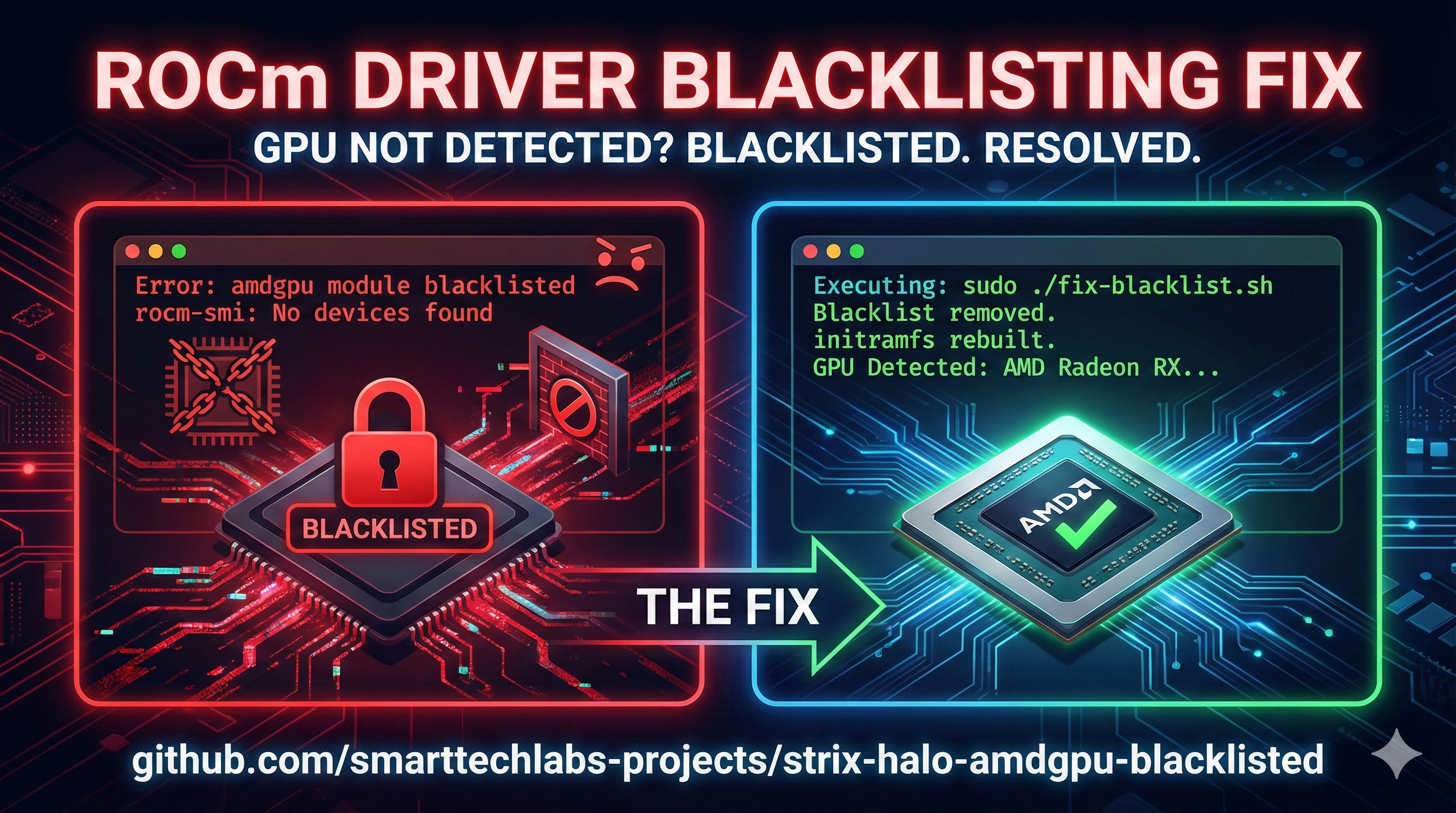
The Problem
After installing ROCm on a fresh Linux system, you reboot and… your AMD GPU isn’t detected. Running lsmod | grep amdgpu returns nothing.
What happened? During ROCm installation, the amdgpu kernel module can get added to the system’s blacklist, preventing it from loading at boot.
Symptoms
You might encounter this issue if:
rocm-smishows no devices after a reboot- The GPU worked before ROCm installation
/etc/modprobe.d/contains blacklist entries foramdgpudmesg | grep amdgpushows no driver initialization
The Fix
We’ve created a simple script that resolves this issue: strix-halo-amdgpu-blacklisted
What It Does
- Removes Blacklist Entries: Cleans up modprobe blacklist files
- Rebuilds initramfs: Ensures the kernel loads the correct modules
- Verifies Configuration: Confirms the fix is in place
Usage
| |
Manual Fix
If you prefer to fix this manually:
| |
Why This Happens
The ROCm installer sometimes adds kernel module blacklists to prevent conflicts during installation. However, these blacklists can persist and cause issues:
| Cause | Effect |
|---|---|
| ROCm installer blacklist | amdgpu doesn’t load at boot |
| Outdated initramfs | Old blacklist cached in boot image |
| Multiple ROCm versions | Conflicting modprobe configurations |
Prevention
To avoid this issue in future ROCm installations:
- Check blacklists after installation:
grep -r "blacklist" /etc/modprobe.d/ - Always rebuild initramfs: Run
update-initramfs -uafter ROCm changes - Test before rebooting: Load the module manually with
sudo modprobe amdgpu
Affected Systems
This issue has been observed on:
- Ubuntu 22.04/24.04 with ROCm 6.x
- AMD Ryzen AI Max 395 (Strix Halo)
- Various RDNA 2/3 GPUs
Get the Script
Repository: smarttechlabs-projects/strix-halo-amdgpu-blacklisted
A simple fix for a frustrating problem. Star the repo if it helped you!
Running into other ROCm issues? Reach out—we’ve likely seen it before.
SmartTechLabs
Building Intelligent Solutions: IoT, Edge Computing, AI & LLM Integration
Related Articles
Real-Time ROCm GPU Monitoring with Web Dashboard
The Problem When running AI workloads on AMD GPUs with ROCm, visibility into GPU performance is …
Read moreRunning ComfyUI on AMD Ryzen AI Max 395 (Strix Halo)
The Challenge AMD’s Ryzen AI Max 395 (Strix Halo) represents a new era in APU computing with …
Read moreInstalling LM Studio with Vulkan Support on AMD Strix Halo
Local LLMs on Strix Halo AMD’s Ryzen AI Max 395 with its massive unified memory pool is an …
Read more