Running ComfyUI on AMD Ryzen AI Max 395 (Strix Halo)
How to install and run ComfyUI for AI image generation on AMD's newest Strix Halo APU with ROCm support.
SmartTechLabs
SmartTechLabs - Intelligent Solutions for IoT, Edge Computing & AI
The Challenge
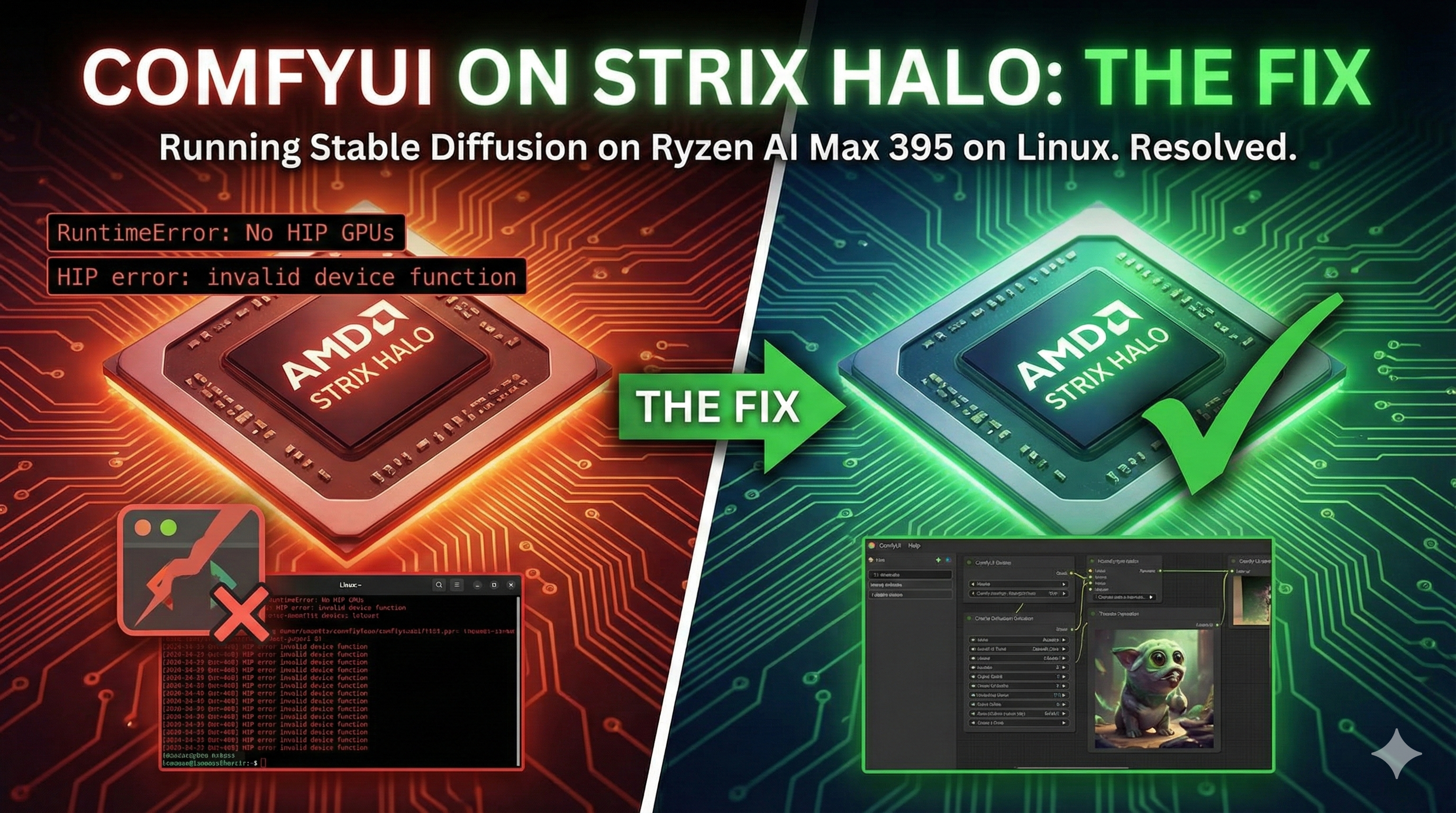
AMD’s Ryzen AI Max 395 (Strix Halo) represents a new era in APU computing with its powerful integrated RDNA 3.5 GPU. However, running AI workloads like ComfyUI on this architecture requires specific ROCm configurations that aren’t yet mainstream.
The main challenge? The gfx1151 architecture isn’t fully supported in standard PyTorch ROCm builds—until now.
Our Solution
We’ve created strix-halo-comfyui, an installation toolkit that gets ComfyUI running on Strix Halo APUs with minimal friction.
Key Features
| Feature | Description |
|---|---|
| gfx1151 Support | Uses scottt’s self-contained PyTorch wheel with native Strix Halo support |
| Automated Setup | Single-script installation with all dependencies |
| Virtual Environment | Clean Python 3.11 environment isolation |
| ROCm Integration | Properly configured for AMD’s compute stack |
How It Works
The installation leverages a specially compiled PyTorch wheel that includes gfx1151 support:
| |
The script handles:
- Environment Setup: Creates a Python 3.11 virtual environment
- PyTorch Installation: Installs the gfx1151-compatible PyTorch build
- ComfyUI Clone: Downloads and configures ComfyUI
- Dependencies: Installs all required Python packages
Requirements
| Requirement | Details |
|---|---|
| Hardware | AMD Ryzen AI Max 395 or compatible Strix Halo APU |
| OS | Linux with ROCm 6.x installed |
| Python | Version 3.11 (required for PyTorch wheel compatibility) |
| Memory | 32GB+ unified memory recommended |
Why This Matters
Strix Halo APUs offer an interesting proposition for AI workloads:
- Unified Memory: Up to 128GB accessible by both CPU and GPU
- Power Efficiency: Better performance per watt than discrete GPUs for certain workloads
- Cost Effective: No need for expensive discrete GPU for image generation
With our installation scripts, you can now tap into this potential for ComfyUI workflows without wrestling with compatibility issues.
Get Started
Check out the repository: smarttechlabs-projects/strix-halo-comfyui
We welcome contributions and feedback. If you encounter issues or have improvements, please open an issue or pull request.
Building AI solutions on AMD hardware? Contact us to discuss your project requirements.
SmartTechLabs
Building Intelligent Solutions: IoT, Edge Computing, AI & LLM Integration
Related Articles
Installing LM Studio with Vulkan Support on AMD Strix Halo
Local LLMs on Strix Halo AMD’s Ryzen AI Max 395 with its massive unified memory pool is an …
Read moreFixing ROCm Boot Issues: amdgpu Module Blacklisted
The Problem After installing ROCm on a fresh Linux system, you reboot and… your AMD GPU …
Read moreReal-Time ROCm GPU Monitoring with Web Dashboard
The Problem When running AI workloads on AMD GPUs with ROCm, visibility into GPU performance is …
Read more